
Your Digital Welcome Mat Needs More Than a One-Time Sweep
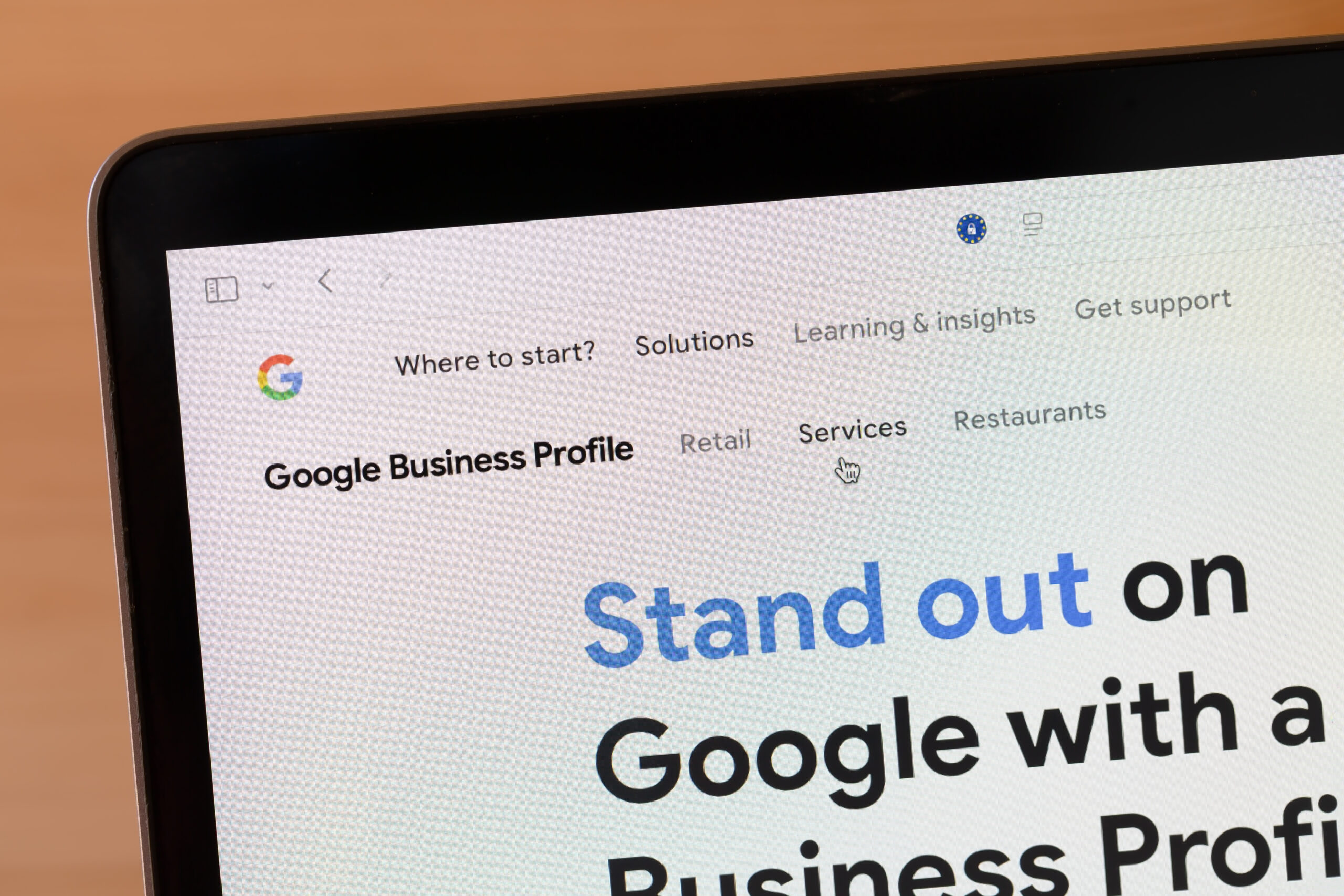
Google Business Profile (formerly Google My Business) is more than a digital listing, it’s your chance to make a stellar first impression. According to Forbes, customers are 70% more likely to visit businesses with a complete profile. If your information is outdated or sparse, you’re essentially leaving money on the table – or worse, handing it to your competitors.
Let’s walk through how to update your Google Business Profile.
Top Benefits of a Fully Optimized Google Business Profile
Drawing from SCORE’s excellent blog post, here are key benefits to keep in mind:
-
Higher local search rankings – Google prioritizes complete and active listings.
-
Direct customer interaction – Messaging, reviews, and Q&A features let you engage users in real time.
-
Better trust and credibility – Profiles with photos and reviews convert better.
-
Free exposure – It’s essentially free advertising, especially if you’re also running Google Ads
How to Update Google Business Profile: A Step-by-Step Guide
1. Sign In to Google Business Manager
Head over to Google Business and log in.
2. Select Your Business
If you manage multiple locations, pick the one that needs updating.
3. Edit Essential Info
Ensure these core fields are accurate and consistent with your website:
-
Business Name
-
Address
-
Phone Number (NAP consistency is key!)
-
Website URL
-
Business Hours
-
Service Areas (if applicable)
4. Choose the Right Categories
Set a primary business category (e.g., Web Designer, Coffee Shop) and add relevant secondary categories to cover all your bases.
5. Add High-Quality Visuals
According to Google, businesses with photos get 35% more click-throughs. Include:
-
Your logo
-
Exterior/interior shots
-
Staff photos
-
Before-and-afters (great for designers or contractors)
6. Post Weekly Updates
Use Google Posts to share:
-
New blog content
-
Seasonal promos
-
Behind-the-scenes peeks
-
Events and milestones
This boosts your visibility and tells Google you’re active.
7. Enable Messaging
Let customers text you directly from your profile. Just make sure someone on your team responds quickly — your responsiveness is publicly rated.
8. Monitor and Respond to Reviews
Reply to all reviews — good and bad. A thoughtful response shows you care, and it boosts your trust factor with potential customers.
9. Add Products and Services
List your offerings with descriptions and pricing where applicable. This improves both UX and search relevance.
Tips for Ongoing Management
-
Monthly Profile Audit: Check info accuracy, add new photos, and rotate Google Posts.
-
UTM Tracking: Add tracking codes to links so you know how many users are coming from your profile.
-
Integrate with Google Ads: As outlined in Google’s ad support, you can link your GBP to Google Ads for more targeted local campaigns.
Don’t Stop at Google: Update Other Listings Too
While your Google Business Profile pulls a ton of weight, consistency across all business directories is key for SEO and customer trust. Be sure to update your listings on Bing Places, Yelp, Apple Maps, Facebook, and industry-specific platforms like Houzz or TripAdvisor. Mismatched info, even small discrepancies, can confuse customers and hurt your search rankings.